


Recording level utility plugin
GainStage PRO
A simple level-setting utility that shows whether your recording signal is too hot, too quiet, or ready to track.
- Clear input-level feedback
- Works in modern DAWs
- Fast setup before recording
What you get
A focused tool for setting record levels without guesswork.
Signal check before tracking
Put GainStage PRO on the track you are about to record and check the incoming level before the take starts.
Clear visual feedback
The plugin shows whether the signal is too hot, too quiet or sitting in the safe recording range.
Simple DAW workflow
Use it as a quick setup step in modern DAWs before recording vocals, guitars, bass, synths or other sources.
Built for clean recording levels
Set input gain faster before the first take.
- Helps avoid clipped recordings caused by signals that hit the DAW too hard.
- Helps avoid overly quiet takes that need unnecessary gain later in the mix.
- Keeps level-setting simple for home studios, writing rooms and fast production sessions.
- Works as a practical pre-recording check instead of another complicated metering task.
- Useful before recording guitars, bass, vocals, synths, drums, reamps and external instruments.
Quick workflow
Three steps before you press record.
1. Insert
Load GainStage PRO on the armed recording track before printing the performance.
2. Perform
Play or sing at the real performance volume so the plugin sees the level you actually plan to record.
3. Adjust
Set the preamp gain on your audio interface until the signal lands in the correct range.
Watch the workflow
See GainStage PRO in real recording situations.
GainStage PRO overview
See how the plugin removes guesswork from setting healthy recording levels.
The first rule before recording
A practical recording-level workflow for guitars, vocals, synths and other sources.
Compatibility
Made for modern DAW recording setups.
Mac
- Modern macOS production system
- Compatible DAW such as Logic Pro, Pro Tools, Cubase, Ableton Live, Reaper or FL Studio
- Audio interface with adjustable input gain recommended
Windows
- Modern Windows production system
- Compatible DAW such as Pro Tools, Cubase, Ableton Live, Reaper or FL Studio
- Audio interface with adjustable input gain recommended
Recommended next
Pair this utility with Hertz production tools and drum products.
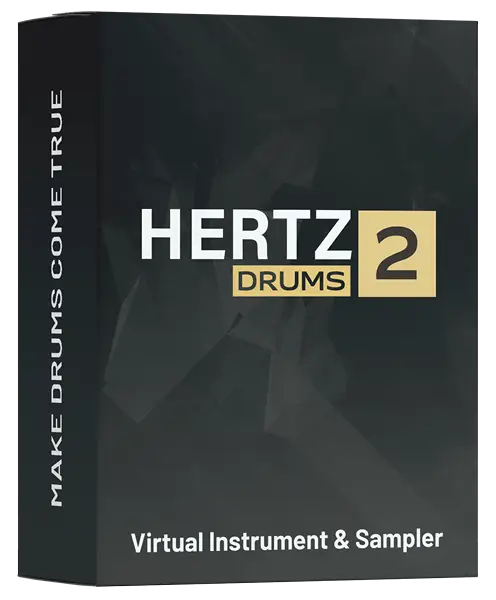
Hertz Drums 2 Software
49.00 $

Hertz Drums BUNDLE
279.00 $

Hertz Drums ROCK BUNDLE
169.00 $

Hertz Drums Full Metal Bundle
199.00 $

Hertz Drums Complete 1
549.00 $

FAME & FURY Pack
99.00 $