

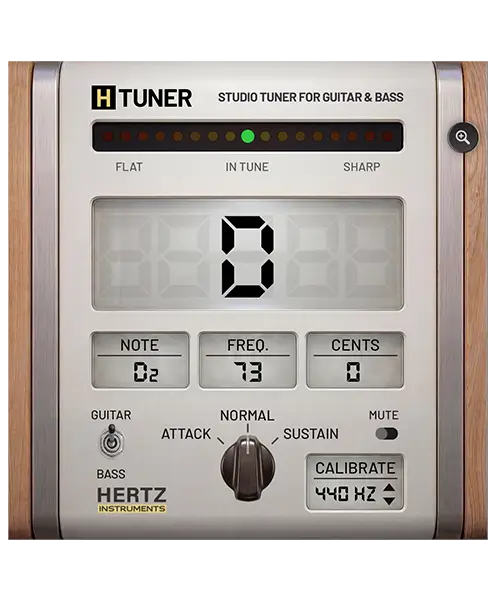
Studio tuner
H-Tuner
Tune to the way you play. Choose Normal, Attack or Sustain mode to check the part of the note that matters, with clear frequency and cents readouts on live inputs or recorded instrument tracks.
- Normal, Attack & Sustain
- Live input & recorded tracks
- 432–448 Hz calibration
Tune to the way you play
Three modes. One performance in tune.
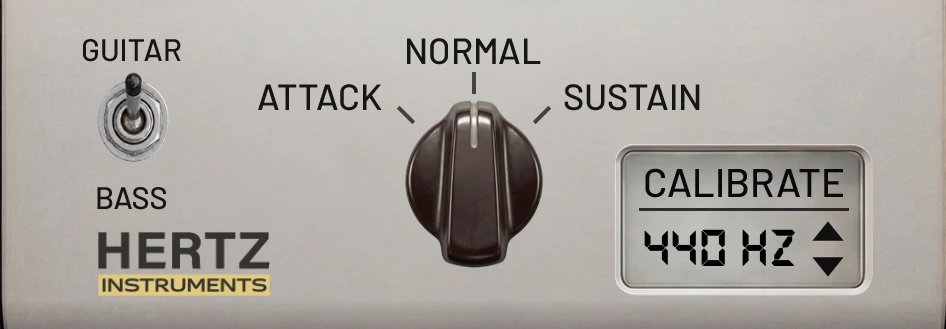
Normal — everyday tuning
Balanced tracking for routine tuning. Follow the note as it moves from the initial pick attack into its sustained pitch.
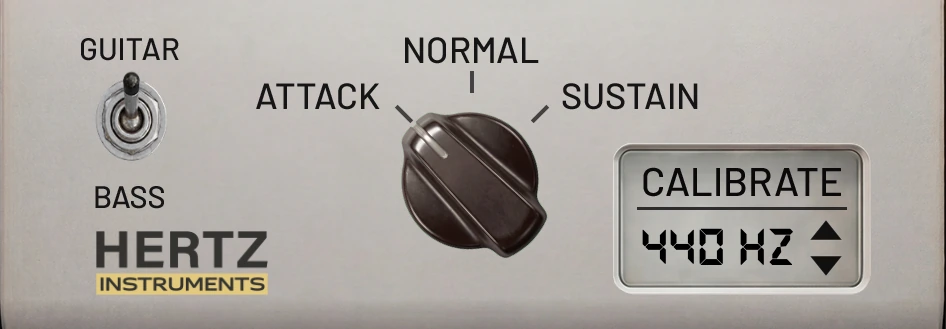
Attack — tune for the riff
A hard pick attack can push a string sharp, especially in lower tunings. Attack mode focuses on the beginning of the note. Tune with the same picking strength you will use in the take to check the pitch that matters for fast, tightly played riffs.
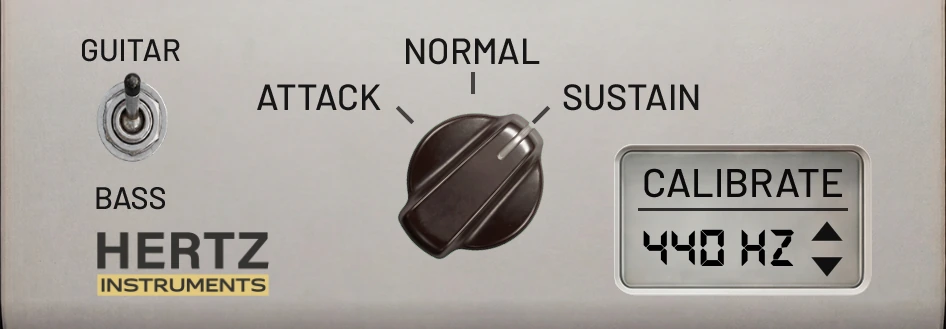
Sustain — tune for the held note
Sustain mode skips the initial attack and reads the stable part of the note. Use it when recording slower parts and letting notes ring.
From input to recorded track
Built for the performance.
A string can start sharp under a strong pick attack and settle as it rings out. H-Tuner lets you choose which part of the note to measure, so you can check tuning in the context of the part you are playing.
Tune in real time
Use H-Tuner on a live instrument input. Match your picking strength to the part you are about to record, then choose Attack, Normal or Sustain.
Check a recorded track
Insert H-Tuner on an individual instrument track in your DAW to inspect pitch during playback. Use a clean DI signal and single-note passages for clear results.
What you get
Clear feedback before the next take.
- Large note display with octave information.
- Flat / in-tune / sharp LED meter.
- Measured frequency in Hz and pitch deviation in cents.
- Guitar and Bass detection settings.
- Reference pitch from 432 Hz to 448 Hz in 1 Hz steps.
- Windows and Mac installers, with a license for two computers.
Inside H-Tuner
Every control, at a glance.
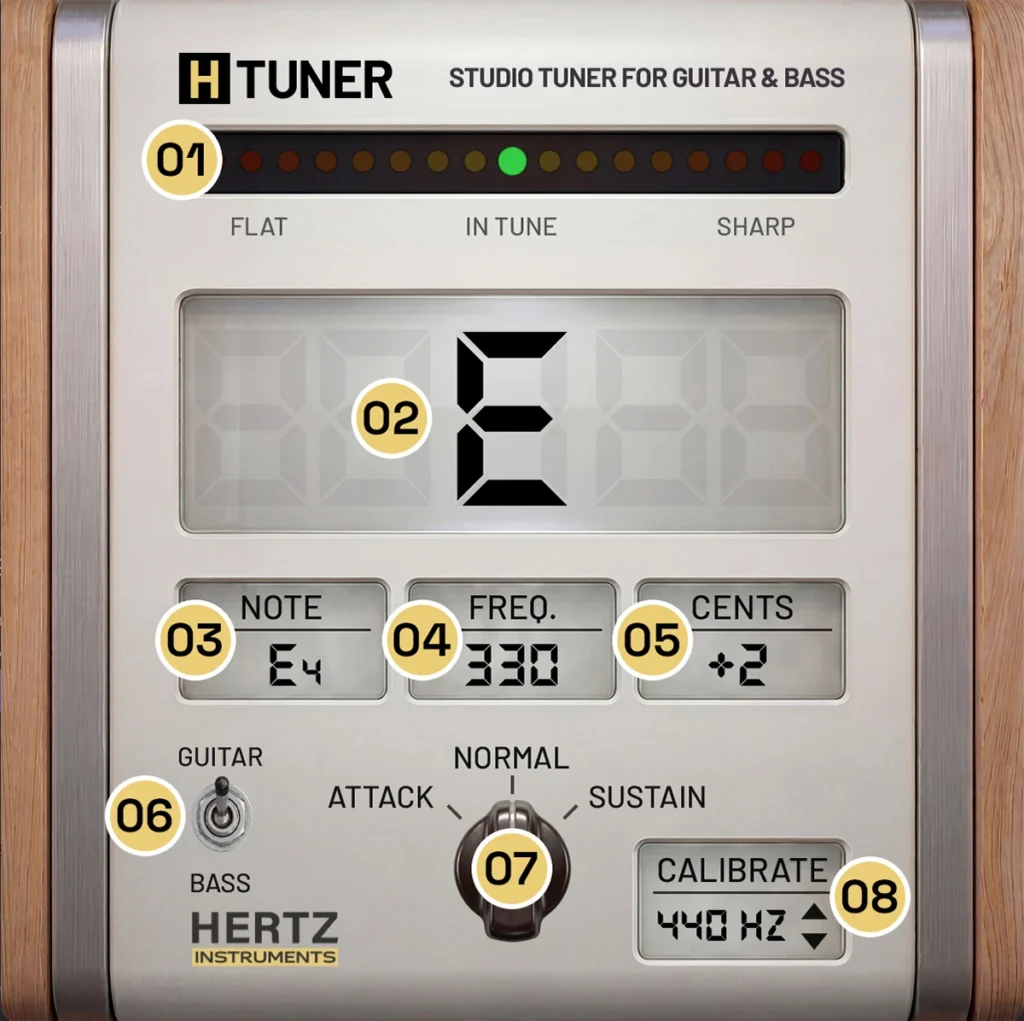
- 01 — Tuning LED meter
- See whether the detected note is flat, in tune or sharp.
- 02 — Main note display
- Read the detected note at a glance.
- 03 — Note and octave
- Identify the note together with its octave.
- 04 — Frequency
- Check the measured frequency in Hz.
- 05 — Cents
- See the pitch deviation from the target note.
- 06 — Guitar/Bass selector
- Choose the detection setting for your input signal.
- 07 — Response mode
- Select Normal, Attack or Sustain for the part of the note you want to measure.
- 08 — Calibration
- Set the reference pitch from 432 Hz to 448 Hz in 1 Hz steps.
Quick workflow
Ready for the next take.
1. Insert
Place H-Tuner before your amp simulator or effects and feed it a clean DI signal.
2. Select
Choose Guitar or Bass, set Normal, Attack or Sustain and adjust your reference pitch.
3. Tune
Play one string at a time. Adjust the tuning while watching the LED meter and cents readout, then repeat for each string.
Compatibility
Made for your recording sessions.
Mac
- macOS 10.13 or later
- AU, VST3 and AAX
- 64-bit DAW
Windows
- Windows 7 or later
- VST3 and AAX
- 64-bit DAW
Minimum: 1 GHz Intel Dual Core processor, 8 GB RAM and 1280 × 1024 screen resolution.
User guide
Get to know H-Tuner.
Explore the controls, tuning modes and setup instructions in the H-Tuner User Guide (PDF).